Best Accounting Software for Small Restaurants


Operators Daily is where multi-unit restaurant and hourly-workforce operators get smart, fast — practical guides and no-nonsense software comparisons across hiring, onboarding, scheduling, payroll, and compliance.
Popular articles
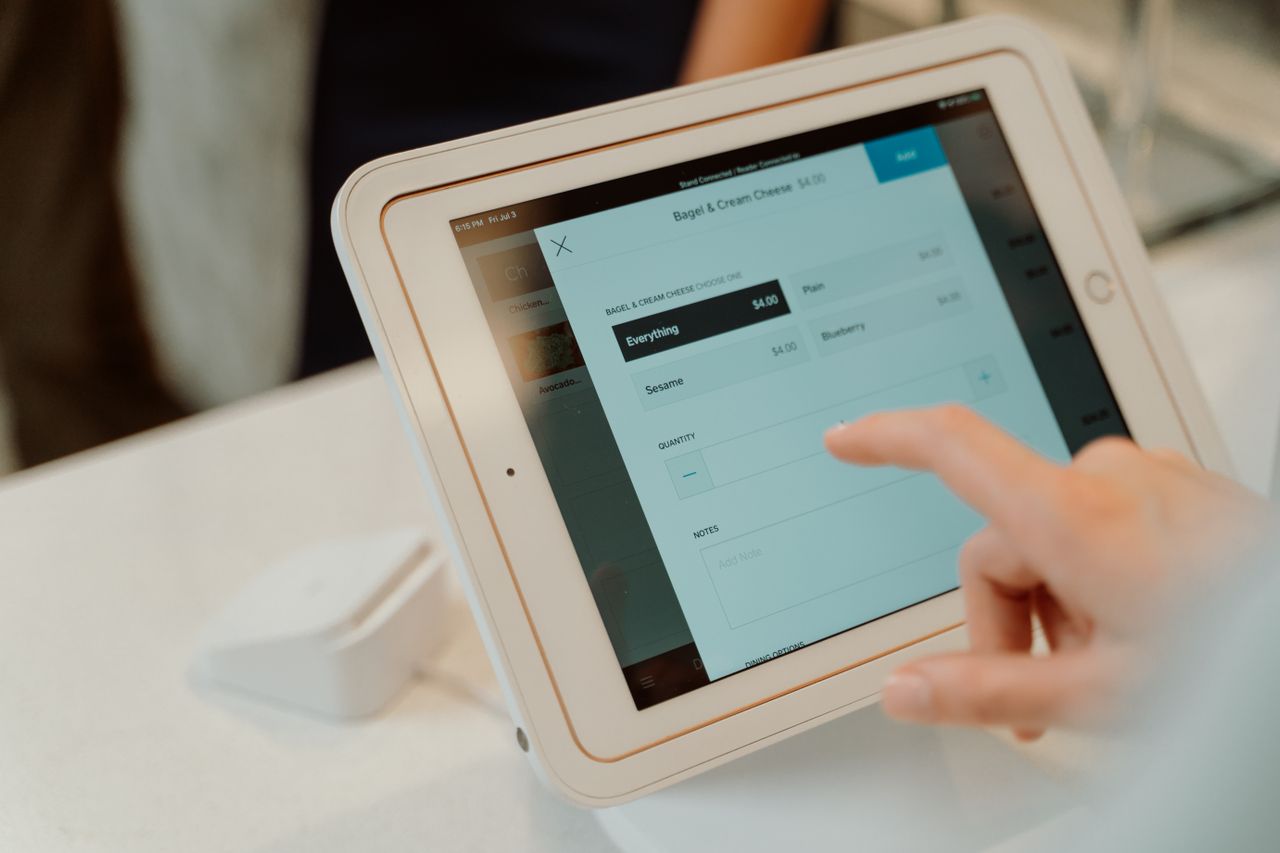
Managing a restaurant's finances is nothing like running other businesses. Food costs fluctuate weekly, tips complicate payroll calculations, and you are juggling hundreds of transactions daily. Margins are thin: the National Restaurant Association's 2025 report, covering 2024 results, found median income before taxes of 2.8% for full-service and 4.0% for limited-service respondents. At those levels, small accounting mistakes can quickly erode a month's earnings. For restaurant operators looking to streamline their back-office operations, selecting the right accounting software is just as critical as choosing the right workforce management tools.
Managing bookkeeping can be a significant time commitment for owners. The right software automates much of the busywork so you can focus on what matters: running a profitable restaurant. This guide breaks down eight accounting platforms, comparing their restaurant-specific features, multi-location capabilities, and published pricing to help you find the best fit for your operation.
Key Takeaways
- The National Restaurant Association's 2025 report found median pretax income of 2.8% for full-service and 4.0% for limited-service respondents in 2024, making accurate financial tracking essential.
- QuickBooks Online advertises 800+ business-app integrations, while Restaurant365 offers restaurant-specific accounting with multi-location consolidation.
- Free plans from Wave and Zoho Books can work for food trucks and startups, but plan restrictions apply. Growing restaurants may need paid features such as POS integration, inventory tracking, or automatic bank imports.
- Restaurant365 advertises a 50% reduction in accounting work through automation; results depend on implementation and existing workflows.
- POS integration is a key feature for restaurant accounting because it reduces manual entry of daily sales, though imports still need regular review.
Understanding the Unique Accounting Needs of Small Restaurants
Restaurants face financial challenges that generic accounting software simply was not built to handle. Your chart of accounts needs to track food costs and labor costs simultaneously, two metrics that together make up your prime costs and determine whether you turn a profit.
Key restaurant accounting challenges include:
- Inventory management: Tracking ingredient costs, waste, and recipe-level cost of goods sold (COGS)
- Tip management: Properly allocating tips, handling tip pools, and calculating tip credits
- Payroll complexity: Managing tipped employees, overtime calculations, and split shifts
- Seasonal fluctuations: Adjusting budgets and forecasts for predictable slow and busy periods
- High transaction volume: Reconciling hundreds of daily credit card transactions and cash sales
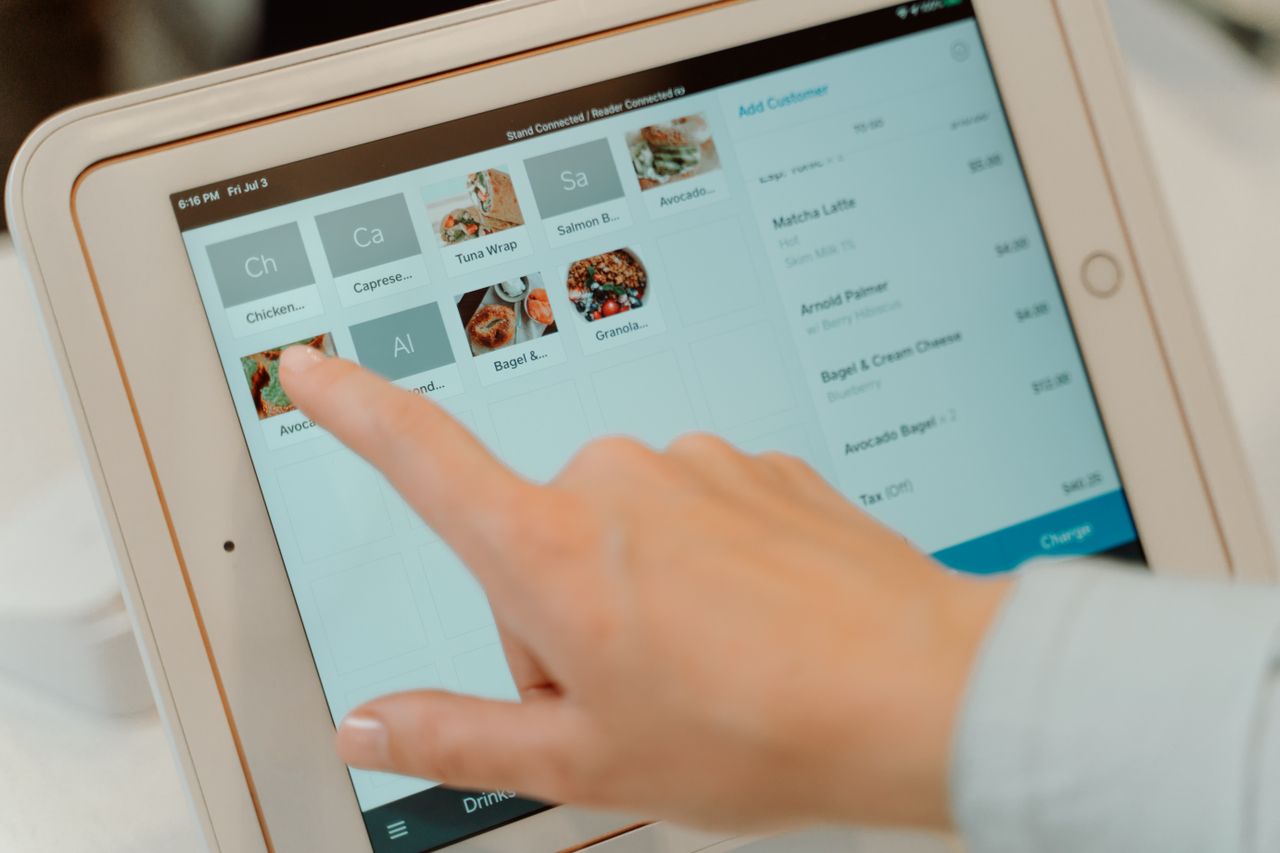
Unlike retail or service businesses, restaurants need software that can connect directly to their POS system. This integration allows automatic import of daily sales data, reducing manual entry and reconciliation work.
What is Accounting Software and Why Your Small Restaurant Needs It
Accounting software automates tracking income, expenses, and the financial transactions every business must monitor. For restaurants, this means capturing sales data, managing vendor payments, tracking payroll costs, and generating the financial reports needed for tax preparation and business decisions.
Beyond Spreadsheets: The Benefits of Dedicated Software
Spreadsheets can work for a new food truck, but they quickly become unmanageable as your business grows. Dedicated accounting software provides:
- Bank feeds and reconciliation tools: Import and categorize transactions so you can reconcile recorded balances against bank statements
- Real-time financial reporting: See your profit and loss statements without waiting for month-end
- Audit trails: Every entry is tracked, making tax season and financial reviews simpler
- Multi-user access: Allow your accountant, bookkeeper, and managers to work simultaneously
Key Features to Look For in Restaurant Accounting Software
Not all accounting platforms serve restaurants equally. When evaluating options, prioritize:
- POS integration: Automatic daily sales import from your point-of-sale system
- Inventory tracking: Connect purchases to menu items for accurate food cost calculations
- Payroll handling: Support for tipped employees and restaurant-specific tax situations
- Accounts payable automation: Streamline vendor invoice processing and payments
- Multi-location support: Consolidated reporting if you operate more than one restaurant
Top Features to Look for in Restaurant Accounting Software
Seamless POS Integration: A Must-Have
Your point-of-sale system generates the majority of your revenue data. Restaurant-focused accounting software can connect to your POS to import daily sales, tax collected, tips, and payment types. Restaurant365, for example, advertises integrations with 100+ POS systems, though supported data varies by POS, while QuickBooks connects with POS platforms through supported connectors and apps.
Streamlining Payroll and Employee Management
Labor is one of a restaurant's largest costs. In the National Restaurant Association's 2025 report, median wages and benefits were 36.5% of sales for full-service and 31.7% for limited-service respondents in 2024. Your accounting software should either include payroll processing or integrate smoothly with payroll providers. Look for features like:
- Tip handling and allocation
- Overtime calculations for hourly employees
- Labor cost reporting by location or department
- Tax withholding and compliance automation
Detailed Reporting for Business Insights
Financial reports help you spot problems before they become crises. Essential reports for restaurant operators include:
- Profit and loss statements: Track revenue and expenses by week, month, or period
- Food cost reports: Monitor COGS as a percentage of food sales
- Cash flow statements: Understand when money comes in and goes out
- Budget vs. actual comparisons: Identify variances and adjust operations
Comparing the Best Accounting Software Options for Small Restaurants
We compared the platforms below on restaurant-specific features, POS integration, multi-location capabilities, and published pricing. Each "Best for" label is a use-case recommendation based on these criteria, not a product requirement.
1. Restaurant365
Best for: Multi-unit operators who need consolidated reporting and restaurant-specific workflows
Restaurant365 offers restaurant-specific accounting with optional connected inventory, workforce, and payroll capabilities. It is the only standalone restaurant-specific accounting system in this comparison. Confirm the modules included in the quote.
Key Features
- POS integrations with 100+ systems, with supported data varying by POS
- Inventory management with recipe costing and variance tracking
- Built-in AP automation with invoice capture and vendor management
- Multi-location consolidation with unified P&L across your entire portfolio
Price
Custom quote required. Confirm which modules are included.
Strengths
- Reports serving more than 50,000 locations
- Advertises a 50% reduction in accounting work through automation; results depend on implementation and existing workflows
- Accounting, inventory, workforce, and payroll capabilities in one connected platform
Limitations
- Pricing isn't published; requires a sales quote
- Modular structure means not every capability is included in every quote
- Steeper learning curve for staff unfamiliar with ERP systems
- May be more than single-location restaurants need
2. QuickBooks Online
Best for: Independent restaurants with existing accountant relationships who want a widely supported platform
QuickBooks Online has a broad app ecosystem, with more than 800 business-app integrations. Confirm that your accountant supports the platform.
Key Features
- 800+ third-party integrations, including restaurant-specific add-ons
- Class tracking for multi-location income and expense monitoring on Plus and Advanced
- Optional payroll, available as an additional purchase
- Limited Free plan for basic needs
Price
Paid plans range from $38 to $340/month before promotions: Simple Start at $38, Essentials at $85, Plus at $140, and Advanced at $340. A limited Free plan is available, but it excludes accountant access and third-party integrations.
Strengths
- Broad app ecosystem for restaurant-specific needs
- Widely used platform makes finding support easier
- Class tracking supports location-level reporting on higher tiers
Limitations
- Requires add-ons for restaurant-specific features like recipe costing
- Plans have user limits; larger teams may require a higher tier
- Class tracking requires Plus or Advanced, and payroll costs extra
- Not built specifically for foodservice operations
3. Xero
Best for: Growing restaurants that need team access without paying per-seat fees
Xero offers a modern, user-friendly interface and supports unlimited users on all plans. This suits restaurants where multiple managers need access to financial data.
Key Features
- 1,000+ third-party apps via its app marketplace
- Custom reporting and dashboards, with advanced options varying by tier
- Bank reconciliation with automatic matching
- Inventory tracking for up to 4,000 items, which is not the same as restaurant recipe costing or ingredient depletion
Price
Early costs $27/month, Growing $59/month, and Established $97/month before promotions. Early allows only 20 invoices and five bills per month.
Strengths
- Unlimited users save money as your team grows
- Large app marketplace
- Collaborative features for multi-manager operations
Limitations
- Early's five-bill monthly limit may not suit restaurants buying regularly from suppliers
- Advanced dashboards and automation vary by tier
- Requires add-ons for deep restaurant functionality
4. Zoho Books
Best for: Budget-conscious small restaurants that want strong features without a high monthly cost
Zoho Books offers a Free plan and six pricing tiers. Tech.co ranked Zoho Books first for restaurants in its hands-on testing and described it as the easiest to use.
Key Features
- Free plan for businesses with annual revenue not exceeding $50K
- Inventory tracking starting with the Professional plan
- Proprietary programming language (Deluge) for custom automation
- Six pricing tiers providing flexibility for different operation sizes
Price
Zoho Books offers a Free plan. Paid plans range from 20–275 per organization monthly, or 15–240 per month billed annually.
Strengths
- Functional free tier for very small operations
- Inventory tracking built in from Professional upward, without a separate add-on
- Integrates with Zoho's CRM and other Zoho apps
Limitations
- Inventory tracking isn't included in the Free plan
- Limited integrations outside the Zoho ecosystem
- May outgrow the free tier quickly as the business scales
5. MarginEdge
Best for: Restaurants that need food cost tracking alongside their existing accounting software
MarginEdge is not a standalone accounting system. Instead, it works as an operational layer between your POS and accounting software, focusing on invoice processing and food cost tracking.
Key Features
- Automated invoice processing with OCR data capture
- Food cost tracking, inventory, and recipe costing
- Connections with QuickBooks, Xero, Restaurant365, and specific Sage products
- Menu analysis tools to identify high-margin items
Price
MarginEdge costs $350 per location per month. The MarginEdge + Freepour bundle is $500 per location per month. Separate accounting software is still required.
Strengths
- Reduces manual invoice data entry
- Visibility into food costs
- Works with the accounting software you already use
Limitations
- Requires a separate accounting software subscription
- Higher combined cost when factoring in both systems
- Sage connections apply only to specific Sage products
6. Sage Intacct
Best for: Growing hospitality groups, large franchises, and multi-concept restaurant companies
Sage Intacct is an enterprise option for large restaurant groups that have outgrown smaller platforms. It offers advanced financial and operational reporting, including multi-dimensional financial analysis.
Key Features
- Multi-entity consolidation for managing many locations
- Advanced reporting with drill-down capabilities
- Budgeting and forecasting tools for scenario modeling
- Fixed asset management across multiple sites
Price
Custom quote required. Pricing depends on the selected modules and organizational requirements.
Strengths
- Handles complexity that smaller platforms cannot
- Designed to scale with business growth
- Strong budgeting and forecasting capabilities
Limitations
- Pricing isn't published; requires a sales quote
- Not restaurant-specific
- Requires dedicated finance staff to maximize value
7. FreshBooks
Best for: Restaurants with significant catering or private events business that need strong invoicing capabilities
FreshBooks is built to close the gap between catering bookings and payment. Its deposit tools allow you to require a percentage upfront before a booking is confirmed.
Key Features
- Custom invoicing with deposit collection and e-signed proposals
- Recurring invoices and automated late fees
- Time-tracking features with billable hours for event staff
- Office-hours customer support, with a help center and chatbot available 24/7
Price
FreshBooks costs 23–70/month for Lite through Premium, excluding its custom Select plan and add-ons.
Strengths
- Strong invoicing tools for catering and events
- Deposit and proposal tools suited to event bookings
- Multiple currencies for clients, invoices, estimates, and proposals
Limitations
- Limited multi-location support
- Human support is available during office hours rather than around the clock
- May lack depth for complex accounting operations
8. Wave
Best for: Small restaurants, cafes, or food trucks on a tight budget that need basic accounting at no cost
Wave offers a $0 Starter plan with free basic accounting and invoicing. Automatic bank transaction imports are listed under the paid Pro plan.
Key Features
- Free basic accounting on the Starter plan
- Unlimited invoicing and expense tracking
- User-friendly interface for non-accountants
- Automatic bank transaction imports, merging, and categorization on Pro
Price
Starter costs $0. Pro costs $19/month or $190/year. Online card processing generally costs 2.9% + $0.60, or 3.4% + $0.60 for American Express. Other payment methods and Pro-plan terms differ.
Strengths
- $0 Starter plan for basic accounting
- Easy to use without bookkeeping experience
- Good foundation for new businesses
Limitations
- Lacks restaurant-specific features like menu costing
- Limited integrations with POS systems
- No multi-location support
- Automatic bank imports require the paid Pro plan
Integrating Accounting Software with Your Restaurant POS System
Automating Sales Data: Why Integration Matters
POS integration is a key factor when choosing restaurant accounting software. Without it, you or your bookkeeper must manually enter daily sales totals, tax collected, tips, and payment breakdowns. This process is time-consuming and error-prone.
Depending on your POS and its supported fields, an integration can import:
- Gross sales by category (food, beverage, merchandise)
- Discounts and comps applied
- Tips collected and distributed
- Tax collected by jurisdiction
- Payment method breakdowns
Integrations can reduce manual entry, but they depend on account mappings, supported fields, and successful imports. Review mappings, failed imports, fees, refunds, and settlement differences, and reconcile recorded balances against statements.
Choosing a POS System with Strong Accounting Links
Not all POS systems integrate equally with accounting platforms. Before selecting accounting software, verify that your current POS has a direct integration or a reliable third-party connector. Restaurant365 advertises integrations with 100+ POS systems, with supported data varying by POS, while QuickBooks connects with POS platforms through supported connectors and apps.
Leveraging Accounting Software for Multi-Unit Restaurant Operations
Multi-location operators face unique challenges that single-unit software cannot address. You need consolidated reporting to see performance across all locations while maintaining the ability to drill down into individual restaurant P&L statements.
Key capabilities for multi-unit operators include:
- Consolidated financial statements: View company-wide performance in a single report
- Location-specific reporting: Compare food costs, labor percentages, and profitability by unit
- Centralized vendor management: Negotiate better pricing and track spending across locations
- Uniform chart of accounts: Ensure consistent categorization for meaningful comparisons
- Intercompany transactions: Handle transfers between locations cleanly
Restaurant365 and Sage Intacct are built for multi-location and multi-entity reporting, while QuickBooks class tracking, available in Plus and Advanced, can work for smaller groups.
Free vs. Paid Accounting Software for Small Restaurants: Making the Choice
Are Free Options Sufficient for Your Needs?
Free accounting software like Wave Starter and Zoho Books' Free plan can work well for:
- Food trucks and pop-up restaurants
- New restaurants in their first year
- Very small operations with annual revenue at or below $50K (the Zoho Books Free plan limit)
- Restaurants with simple operations and minimal inventory
However, free options typically lack POS integration, inventory management, and multi-location support, and Wave's free Starter plan doesn't include automatic bank imports. As your business grows, you will likely outgrow these limitations.
Understanding the Value of a Paid Subscription
Paid accounting software in this comparison ranges from $15/month (Zoho Books' entry plan, billed annually) to custom pricing for enterprise solutions. The investment makes sense when you consider:
- Time savings: Restaurant365 advertises a 50% reduction in accounting work through automation; results depend on implementation and existing workflows
- Accuracy: Direct POS integration reduces manual entry errors
- Insights: Better reporting helps you identify profit opportunities
- Scalability: Paid platforms grow with your business
Consider upgrading when transaction volume, inventory needs, reporting requirements, or manual work exceed the free plan's capabilities. Estimate returns using your actual software costs and time savings.
Getting Started: Setting Up Your Restaurant's Accounting Software
Key Steps for a Smooth Implementation
Successfully implementing accounting software requires planning. Follow these steps:
- Export historical data: Download transactions from your current system or bank
- Set up your chart of accounts: Use restaurant-specific categories for food costs, labor, and operating expenses
- Connect bank and credit card accounts: Enable automatic transaction import where your plan supports it
- Configure POS integration: Set up the connection between your point-of-sale and accounting system
- Enter opening balances: Record your starting cash, accounts receivable, and accounts payable
- Set up vendors: Add your food suppliers, utility companies, and service providers
Training Your Team to Use the Software Effectively
Your accounting software is only as good as the people using it. Ensure your team knows:
- How to categorize transactions correctly
- When to create invoices and record payments
- How to run the reports they need for daily decisions
- Who to contact when something looks wrong
Most platforms offer free training resources, and investing time upfront prevents costly mistakes later.
The Bottom Line
Restaurant accounting software choices largely come down to location count, inventory complexity, and how much restaurant-specific functionality you need built in. Multi-unit operators wanting restaurant-specific workflows can evaluate Restaurant365, while larger groups with dedicated finance teams may look at Sage Intacct. Independent restaurants with an existing accountant relationship often start with QuickBooks Online or Xero, budget-focused operations can compare the free and low-cost tiers of Zoho Books and Wave, catering-heavy businesses may value FreshBooks' invoicing tools, and MarginEdge fits operators who want food cost tracking on top of their current accounting system.
Before you commit, list the plan restrictions that matter most to your operation, such as user limits, bill caps, inventory availability, and bank-feed access, and compare total costs across subscriptions, add-ons, payroll, and payment processing. Confirm that your POS integration imports the data you need and that your accountant supports the platform, then request a demo or trial before migrating your books. For more back-office and workforce guidance for restaurant teams, visit Operators Daily.
Join multi-unit operators getting practical guides and no-nonsense software breakdowns across hiring, onboarding, scheduling, payroll, compliance, and what's shifting in the industry.
Free. One email a week. Unsubscribe anytime.