Best Restaurant POS Systems


Operators Daily is where multi-unit restaurant and hourly-workforce operators get smart, fast — practical guides and no-nonsense software comparisons across hiring, onboarding, scheduling, payroll, and compliance.
Popular articles
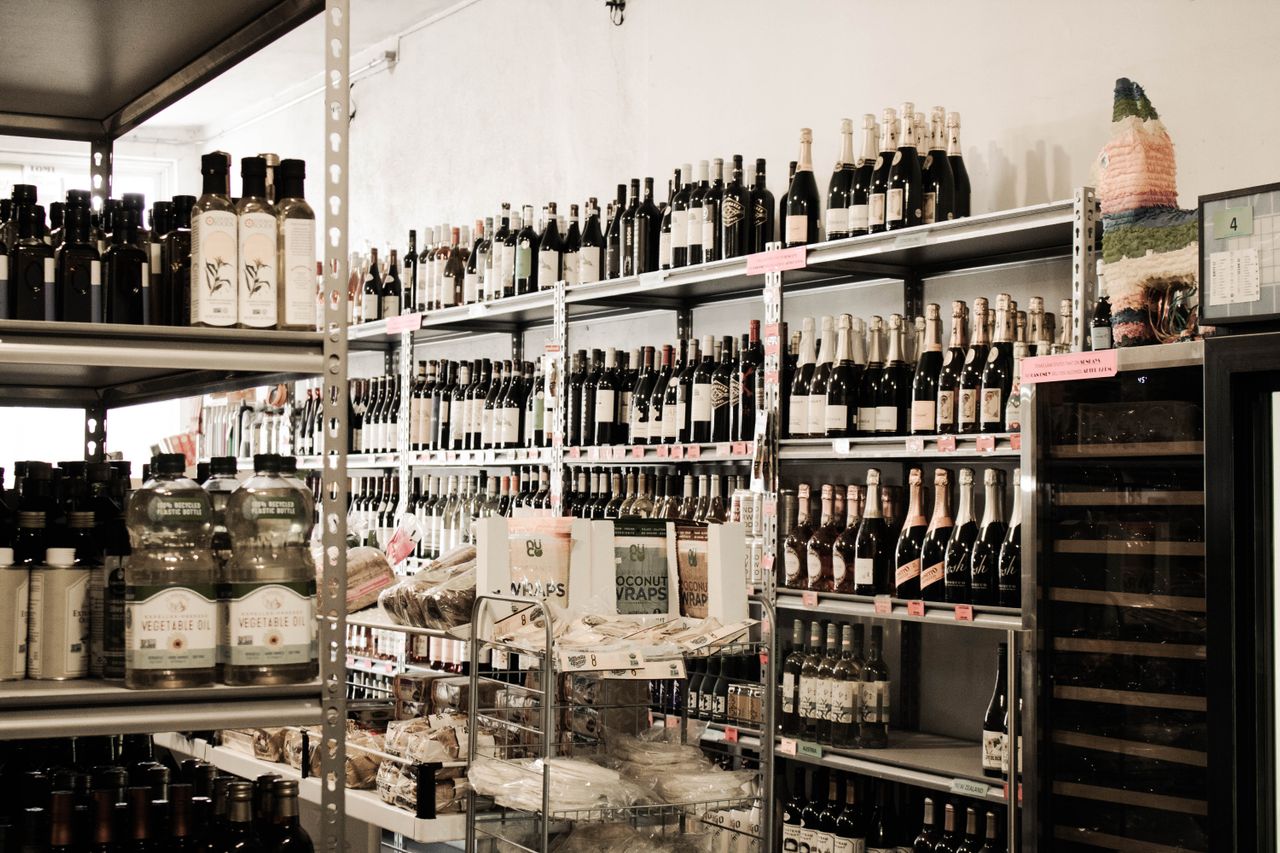
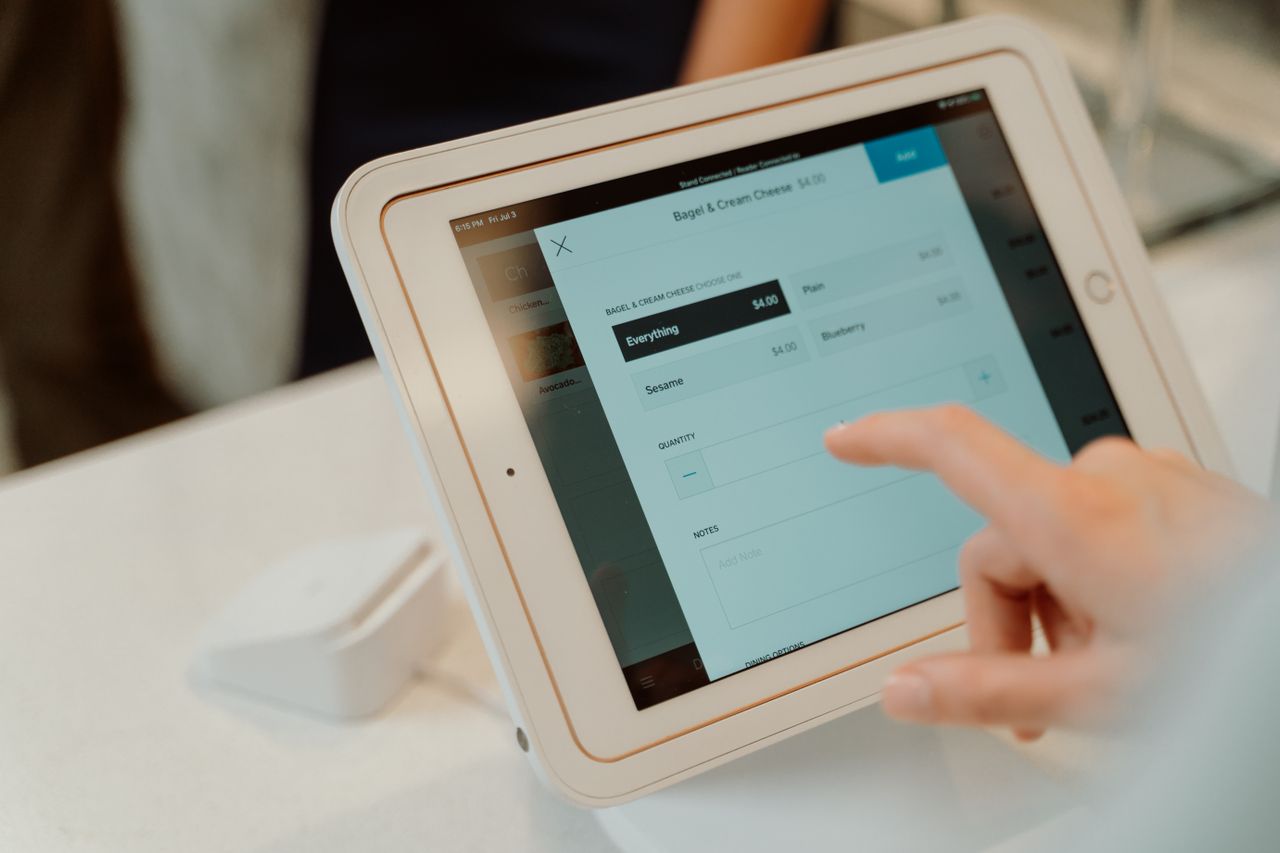
Your restaurant POS system is more than a cash register. For operators managing hourly teams across multiple locations, the right point of sale platform connects front-of-house service, kitchen operations, and workforce management software into a single operational hub. Cloud-based systems have become the standard for most restaurants, and selecting the right POS has become a critical business decision.
This guide breaks down the 10 best restaurant POS systems based on multi-location capabilities, labor management features, pricing structures, and aggregated user ratings from platforms like G2 and Capterra.
Key Takeaways
- Toast says its platform works with more than 164,000 restaurants, offering comprehensive restaurant-specific features.
- Square for Restaurants offers a functional free plan, making it ideal for startups and growing operations.
- Free POS options exist but come with limitations, including higher transaction fees and reduced features.
- Multi-unit operators should prioritize centralized management, multi-location reporting, and labor management integrations when selecting a system.
Understanding the Fundamentals of a Restaurant POS System
A restaurant POS system combines hardware and software to process transactions, manage orders, track inventory, and generate operational reports. Modern systems have evolved beyond basic payment processing to become comprehensive management platforms.
Core components include:
- Order management: Taking orders tableside, at the counter, or through online channels
- Payment processing: Accepting credit cards, mobile payments, and digital wallets
- Inventory tracking: Monitoring stock levels and ingredient usage
- Employee management: Tracking hours, managing permissions, and calculating tips
- Reporting: Generating sales, labor, and performance analytics
- Hardware: Terminals, tablets, receipt printers, and kitchen display systems
The shift to cloud-based systems means operators can access real-time data from any device, manage multiple locations from a single dashboard, and receive automatic software updates without on-site maintenance.
Key Features to Look for in Top Restaurant POS Systems
Not all POS platforms deliver the same functionality. When evaluating options, prioritize features that directly impact your service style and operational needs.
- Table management allows you to visualize your floor plan, assign servers to sections, and track table status. Full-service restaurants should look for systems with visual floor plan customization and table timing alerts.
- Menu customization should support modifiers, combo meals, timed menus, and 86'd items. The best systems let you update menus across all locations instantly from a central dashboard.
- Online ordering integration has become essential. Look for built-in online ordering with no commission fees rather than relying solely on third-party delivery apps that cut into margins.
- Kitchen Display Systems (KDS) replace paper tickets with digital screens. Native KDS with prep time tracking helps kitchens prioritize orders and reduce errors.
- CRM and loyalty programs capture customer data and enable targeted marketing. Systems with built-in email and SMS marketing tools eliminate the need for separate platforms.
- Scalability matters if you plan to grow. Evaluate whether the system supports centralized management, multi-location reporting, and franchise-level controls before you commit.
Comparing Pricing: Cheapest POS System Options for Restaurants
POS pricing typically includes monthly software fees, transaction processing rates, and hardware costs. Understanding the full cost structure prevents budget surprises.
Monthly subscription fees range from $0 for basic plans to $399+ for enterprise tiers. SpotOn's All-In plan lists a $0 per station, per month fee that includes POS hardware, though it carries processing minimums, a two-year minimum term, and 2.79% + 20¢ card-present processing. Lightspeed's Premium tier runs $399/month.
Transaction rates vary by provider, plan, and configuration:
- SpotOn: POS Essentials runs 2.45% + 15¢ card-present (3.19% + 15¢ for American Express); All-In runs 2.79% + 20¢
- Clover: rates vary by hardware configuration, offer, and merchant-services provider
- Square: 2.6% + 15¢ on the Free plan, 2.5% + 15¢ on Plus, and 2.4% + 15¢ on Premium
- Toast: rates are quoted based on the restaurant and transaction profile
Hardware costs can range from using your existing iPad to purchasing proprietary terminals costing $500 to $2,000+. Some providers like SpotOn include hardware in their plans, while others require upfront purchases or lease agreements.
Hidden costs to watch for include installation fees, support plan upgrades, additional user licenses, and contract termination penalties. Clover's contract terms vary by hardware promotion and merchant-services provider; some offers include a 36-month commitment, while Square allows no-contract cancellation anytime.
Exploring Free Restaurant POS Systems: What You Need to Know
Several POS providers offer free tiers, but these plans come with important limitations.
- Square for Restaurants provides a functional free plan with core features including order management, basic reporting, and a free online ordering website. However, advanced features like floor plan customization and staff management tools require paid plans starting at $49/month.
- Toast Starter Kit offers free POS software but requires using Toast's payment processing, which carries higher transaction fees than some competitors.
- SpotOn's All-In plan includes a $0 per station, per month fee with POS hardware included, though it carries processing minimums, a two-year minimum term, and 2.79% + 20¢ card-present processing.
- SumUp POS Lite provides free software with a simple, speed-focused interface, but lacks the depth needed for complex operations.
Limitations of free plans typically include:
- Higher transaction fees to offset the $0 monthly cost
- Limited customer support (no 24/7 phone access)
- Restricted features (no KDS, limited reporting, basic inventory)
- Fewer integrations with third-party tools
- Reduced scalability for multi-location expansion
Free plans work best for food trucks, pop-ups, and new concepts testing their model. Growing restaurants should budget for paid tiers to access the features needed for efficient operations.
Comparing Best Restaurant POS Systems
We evaluated each platform based on restaurant-specific features, pricing transparency, multi-location capabilities, and user feedback. Here are the top options for restaurant operators.
1. Toast POS
Best for: Full-service and complex restaurant operations
Toast was built exclusively for restaurants, and it shows. Toast says its platform works with more than 164,000 restaurants, offering an all-in-one system covering front-of-house, kitchen, and online operations.
Key strengths include native KDS with prep time tracking, Toast Takeout for built-in online ordering, offline mode for internet outages, and Toast IQ for AI-powered analytics.
Pricing: Free Starter Kit available; Point of Sale plan from $69/month per terminal
Transaction fees: Payment-processing rates are quoted based on the restaurant and transaction profile
Strengths:
- Restaurant-specific features throughout
- 24/7 customer support included
- Strong kitchen display and order routing
- Offline functionality
Limitations:
- Android-only (no iOS support)
- Higher transaction fees than some competitors
- Locked into Toast Payments
2. Square for Restaurants
Best for: Startups and scaling multi-location groups
Square is a widely adopted POS choice for good reason. The platform offers a genuinely useful free tier while paid plans unlock advanced features like floor plan customization and Team Management for scheduling.
Pricing: Free plan available; Plus $49/month; Premium $149/month
Transaction fees: 2.6% + 15¢ (Free), 2.5% + 15¢ (Plus), 2.4% + 15¢ (Premium)
Strengths:
- A functional free plan removes barriers to entry
- Works on iOS and Android
- No contracts, cancel anytime
- Free online ordering website with no commissions
Limitations:
- KDS costs extra and isn't available on the Free plan ($30/month per device on Plus, $20/month per device on Premium)
- Advanced inventory features limited
- Account hold concerns reported by some users
3. Clover POS
Best for: Full-service restaurants needing durable hardware
Clover earned its reputation through professional-grade hardware. The system offers 9 different hardware configurations from handheld devices to full stations, plus fingerprint login for security.
Pricing: Pricing, processing rates, and contract terms vary by hardware configuration, offer, and merchant-services provider. Clover.com currently organizes full-service systems into Starter, Standard, and Advanced hardware bundles using its Restaurant Growth software plan.
Transaction fees: Vary by hardware configuration, offer, and merchant-services provider
Strengths:
- Top-tier, durable hardware
- 500+ apps in the marketplace
- Multiple hardware bundle options for different service styles
- Highly customizable
- Native Clover KDS available
Limitations:
- Contract terms and pricing vary by hardware configuration, offer, and merchant-services provider
- Higher upfront hardware costs
4. Lightspeed Restaurant
Best for: Multi-location groups focused on inventory management
Lightspeed reported approximately 150,000 customer locations across its retail, hospitality, and qualifying NuORDER businesses as of March 31, 2026. The platform excels at ingredient usage tracking and cost vs. profit breakdowns.
Pricing: Starter $69/month; Essential $189/month; Premium $399/month
Transaction fees: 2.6% + 10¢
Strengths:
- Advanced inventory with ingredient tracking
- Multi-location centralized reporting
- Built-in Order Anywhere for QR code ordering
Limitations:
- Higher price point for advanced features
- Must use Lightspeed Payments
- Steeper learning curve
5. TouchBistro
Best for: Full-service table management
TouchBistro is built exclusively for restaurants, with particular strength in tableside service. The iPad-only design was optimized for server workflows, table mapping, and reservations.
Pricing: From $69/month per terminal
Strengths:
- Excellent table management and visual floor plans
- Works fully offline
- Intuitive for servers
Limitations:
- iPad-only (no Android)
- Weaker inventory management than competitors
- Add-on fees for advanced features
6. Revel Systems
Best for: Enterprise and franchise operations
Revel provides enterprise-level capabilities designed for high-volume, multi-location operations. The hybrid cloud and local server architecture ensures reliability during outages.
Pricing: From $99/month per terminal (custom quotes for enterprise)
Strengths:
- Comprehensive back-office management
- Advanced employee scheduling and CRM
- Multi-location centralized control
- Hybrid architecture for reliability
Limitations:
- Higher cost for small operations
- Steeper learning curve
- Custom pricing makes comparison difficult
7. SpotOn Restaurant
Best for: Labor-focused operations prioritizing scheduling
SpotOn stands out for its proprietary Teamwork app that handles shift management and labor cost projections. For operators already using scheduling software for restaurants, SpotOn offers native labor vs. revenue optimization.
Pricing: All-In from $0 per station, per month (includes POS hardware, subject to processing minimums and a two-year minimum term); POS Essentials from $55 per station, per month (hardware and implementation billed separately); Core Bundle from $50/month plus 0.20% of gross payment volume, capped at $200
Transaction fees: 2.45% + 15¢ card-present on POS Essentials (3.19% + 15¢ for American Express); 2.79% + 20¢ on All-In
Strengths:
- All-In plan includes a $0 per-station monthly fee with hardware included
- Strong tip management and labor tools
- Built-in staff scheduling
- Flexible plan structure for different business sizes
Limitations:
- Fewer hardware accessory options
- Less comprehensive KDS than Toast
- Newer platform with less market track record
8. Aloha POS (NCR Voyix)
Best for: Large chains and enterprise operations
Aloha has been serving the restaurant industry for decades, earning its place with major chains through proven stability and high-volume transaction handling.
Pricing: Custom pricing (contact for quotes)
Strengths:
- Decades of restaurant industry experience
- Handles extremely high transaction volumes
- Proven with major chains
- Comprehensive feature set
Limitations:
- Interface feels dated compared to newer systems
- Higher cost than cloud-native competitors
- Complex implementation process
9. Lavu
Best for: Food trucks and mobile concepts
Lavu's mobile-first iPad design makes it ideal for food trucks, pop-ups, and smaller operations. Cloud-based access from any device supports managers overseeing multiple mobile locations.
Pricing: Pricing varies by package and current promotion; contact Lavu for a complete quote
Strengths:
- Simple, streamlined interface
- Strong mobile functionality
- Affordable entry point
- Cloud access from any device
Limitations:
- Fewer integrations than larger platforms
- Less robust for full-service restaurants
- Limited multi-unit features
10. SumUp
Best for: Quick-service speed and simplicity
SumUp prioritizes frontend speed and efficiency. Multiple testers named it one of the easiest POS systems to learn, with an interface that only asks for necessary information to complete tasks quickly.
Pricing: Free POS Lite (no monthly software subscription); Connect Plus $199/month
Transaction fees: 2.6% + 10¢
Strengths:
- Easiest system for staff to learn
- Free digital gift card creation
- Allergen warnings on menu items
- Self-service kiosk option
Limitations:
- Offline payment availability depends on the SumUp device and configuration
- Clunkier backend than frontend
- Less robust for complex operations
POS System Training and Implementation for Your Restaurant Staff
Rolling out a new POS requires more than flipping a switch. A structured implementation process reduces errors and gets your team productive faster.
Before launch:
- Map your menu structure, modifiers, and pricing in the system
- Configure floor plans and table assignments
- Set up employee profiles with appropriate permission levels
- Test all hardware connections (printers, cash drawers, KDS)
Staff training should cover:
- Basic transaction processing and payment handling
- Menu navigation and modifier selection
- Voiding and refunding orders
- Shift opening and closing procedures
- Basic troubleshooting (printer jams, card reader issues)
Most POS providers offer training resources, including video tutorials, user manuals, and support documentation. Toast provides 24/7 customer support, while Square offers 24/7 phone support on its Premium plan; Free and Plus plans include phone support during specified weekday hours.
For ongoing training of new hires, consider how your POS training fits into your broader restaurant onboarding software process.
Integrating Payment Processing with Your Restaurant POS System
Payment processing sits at the core of every POS system. Understanding your options helps you minimize costs and ensure secure transactions.
Most restaurant POS systems now support:
- EMV chip card readers
- Contactless payments (Apple Pay, Google Pay)
- Mobile wallet transactions
- Gift card processing
- Split payments and tip adjustments
PCI DSS compliance is non-negotiable. Your POS provider should handle most compliance requirements, but you remain responsible for secure password practices, employee access controls, and physical terminal security.
Payment processor options vary by system:
- Toast and Square require using their integrated payment processing, while Clover's payment processing may vary depending on the merchant-services provider through which the system is purchased
- Lightspeed requires Lightspeed Payments
- Revel and TouchBistro offer more flexibility to choose third-party processors
Locked-in payment processing simplifies setup but removes your ability to negotiate rates. Compare total processing costs (monthly fees plus transaction rates) rather than focusing on either number alone.
POS Systems for Retail vs. Restaurant: Key Differences
Generic retail POS systems lack critical restaurant functionality. Understanding these differences prevents costly mistakes.
Restaurant-specific features include:
- Table management with visual floor plans and server sections
- Kitchen Display Systems that route orders to prep stations
- Menu modifiers for customizations, cooking temperatures, and substitutions
- Tip management, including tip pooling, reporting, and credit card tip processing
- Coursing to control when orders fire to the kitchen
- Split checks by seat, item, or custom amounts
Retail POS systems prioritize:
- SKU-based inventory with barcode scanning
- Purchase order management
- Customer-facing displays for retail transactions
- Product variants (size, color) rather than modifiers
Restaurants attempting to use retail POS systems typically struggle with order modifications, tip handling, and kitchen communication. The workarounds required usually cost more in labor and errors than investing in a purpose-built restaurant system.
Leveraging Restaurant Technology for Enhanced Operations and Insights
Your POS captures data on every transaction, shift, and menu item. The question is whether you're using that data to make better decisions.
- Sales analytics reveal peak hours, top-selling items, and promotional effectiveness. Use this data to optimize staffing levels and menu engineering.
- Labor reports compare labor costs against revenue by hour, day, and week. Systems like SpotOn provide labor vs. revenue projections to help you schedule profitably.
- Inventory insights from platforms like Lightspeed track ingredient usage and cost vs. profit at the menu item level, highlighting where you're making money and where you're leaking margin.
- Customer data enables targeted marketing. Track visit frequency, average check size, and ordering patterns to segment your marketing and build loyalty.
For operators managing multiple locations, centralized reporting becomes essential. Platforms like Toast, Lightspeed, and Revel provide consolidated dashboards where you can compare location performance without logging into separate systems.
Choosing the Right Restaurant POS System for Multi-Unit Operations
Multi-unit operators face unique requirements that single-location restaurants can ignore.
- Centralized management should let you update menus, pricing, and employee permissions across all locations from one dashboard. Manual updates at each location waste manager time and create inconsistencies.
- Multi-location reporting aggregates data across your portfolio. Look for consolidated sales reports, comparative labor analysis, and location benchmarking.
- Franchise support matters if you're licensing your concept. The right POS lets you maintain brand standards while giving franchisees appropriate local control.
- Data synchronization ensures real-time visibility across locations. Cloud-based systems like Toast and Lightspeed sync data automatically, while hybrid systems like Revel offer local backup during outages.
- User permissions become more complex with multiple locations. District managers need cross-location access, while location managers should be limited to their own stores.
When selecting a POS for multi-unit operations, request demos focused on your actual management workflows rather than just front-of-house features. The administrative tools you'll use daily matter more than flashy customer-facing features.
Frequently Asked Questions
What is the average cost of a restaurant POS system?
Monthly software fees range from $0 for basic plans to $399+ for enterprise tiers. Transaction rates vary widely by provider, plan, card brand, transaction type, and negotiated merchant agreement, so it's best to request a rate quote based on your specific business. Hardware costs add $500 to $2,000+ upfront, depending on your configuration. Total first-year costs vary significantly based on terminal count, hardware financing, implementation, KDS screens, online ordering, and add-ons. Request an itemized quote from each provider you're considering.
Can a free POS system be effective for a new restaurant?
Free plans from Square and SpotOn provide functional core features suitable for simple operations. However, free tiers limit advanced features like floor plan customization, detailed reporting, and multi-location management. Budget for paid tiers once you need advanced inventory, scheduling, or marketing capabilities.
How does a POS system help with inventory management in a restaurant?
Advanced systems like Lightspeed track ingredient usage at the recipe level, deducting components automatically when menu items sell. This provides real-time stock visibility, alerts for low inventory, and cost vs. profit analysis by item. Basic systems only track full units sold rather than ingredient consumption.
Is Toast POS suitable for all types of restaurants?
Toast works well for full-service, quick-service, and fast-casual concepts with its restaurant-specific feature set. However, Toast runs on Android only (no iOS), requires Toast payment processing, and may be more expensive than needed for simple food truck or pop-up operations. Smaller concepts may find Square or SumUp more cost-effective.
How do I ensure my POS system is PCI DSS compliant?
Choose a POS provider that maintains PCI DSS certification for its software and payment processing. Your responsibilities include maintaining strong passwords, limiting employee access to payment data, securing physical terminals, and avoiding the storage of full card numbers. Most modern cloud-based systems handle the technical compliance requirements automatically.
Join multi-unit operators getting practical guides and no-nonsense software breakdowns across hiring, onboarding, scheduling, payroll, compliance, and what's shifting in the industry.
Free. One email a week. Unsubscribe anytime.