Best Self-Ordering Kiosk Systems for Restaurants


Operators Daily is where multi-unit restaurant and hourly-workforce operators get smart, fast — practical guides and no-nonsense software comparisons across hiring, onboarding, scheduling, payroll, and compliance.
Popular articles
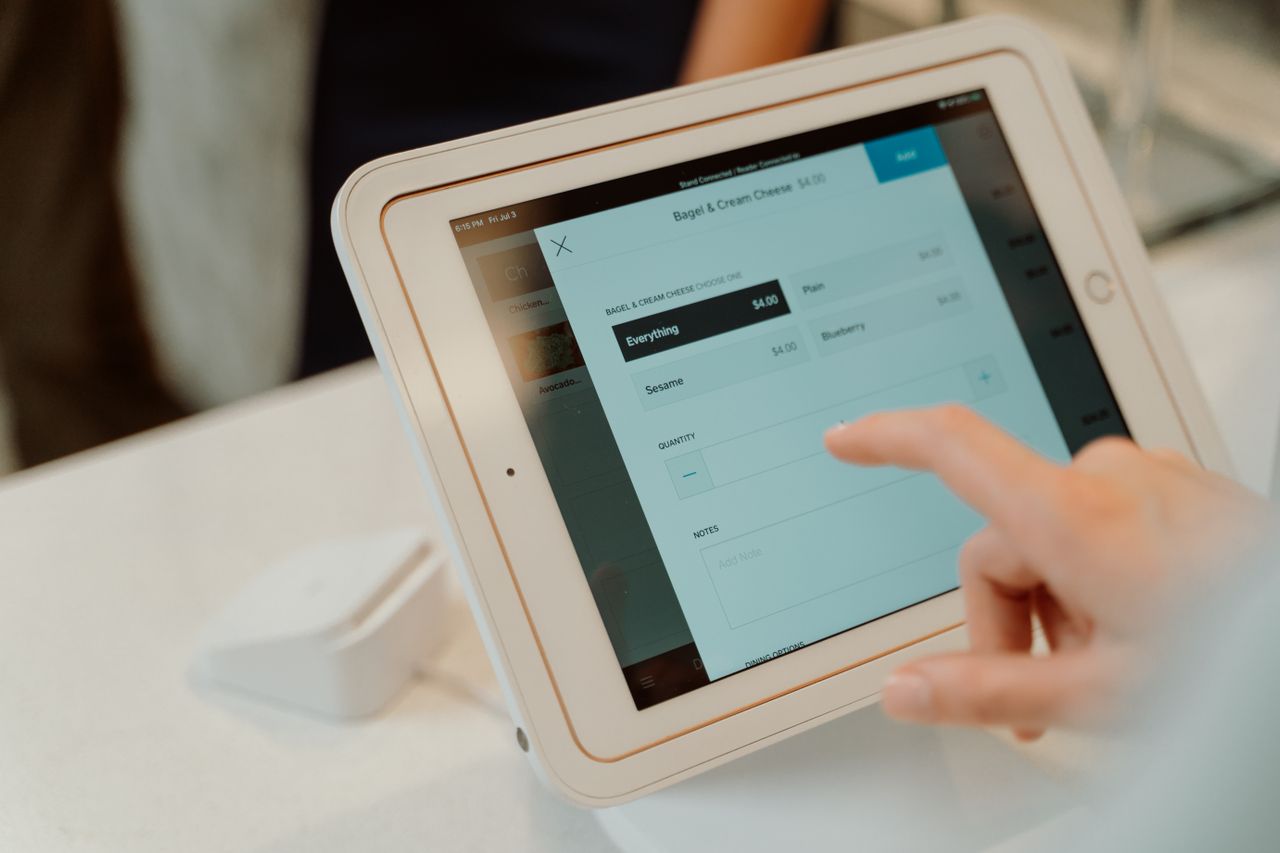
Labor costs reached a median 36.5% of sales for full-service restaurants in 2024, according to the National Restaurant Association, forcing multi-unit operators to find efficiency gains wherever possible. At the same time, demand for kiosk ordering is increasing among U.S. quick-service and fast-casual consumers. Self-ordering kiosks address both challenges by easing labor demands while meeting customer expectations.
This guide from Operators Daily breaks down the 10 best self-ordering kiosk systems for restaurants, with pricing, features, and recommendations based on your operation's size and needs.
Key Takeaways
- Self-ordering kiosks can encourage higher check sizes through automated upselling and ease counter ordering bottlenecks during busy periods, although results vary by restaurant and implementation.
- Toast offers native kiosk-to-KDS integration and says its platform serves over 180,000 locations.
- Square Kiosk hardware costs $149, but the kiosk app requires a Square Plus or Premium subscription plus a $30-$50/device/month kiosk fee.
- Enterprise-oriented systems like Revel and Lightspeed provide advanced inventory tracking and multi-location management; confirm contract terms with each vendor before signing.
- Consider total cost of ownership including hardware, software subscriptions, payment processing fees, and installation when comparing systems.
What is a Self-Ordering Kiosk System and Why Do Restaurants Need One?
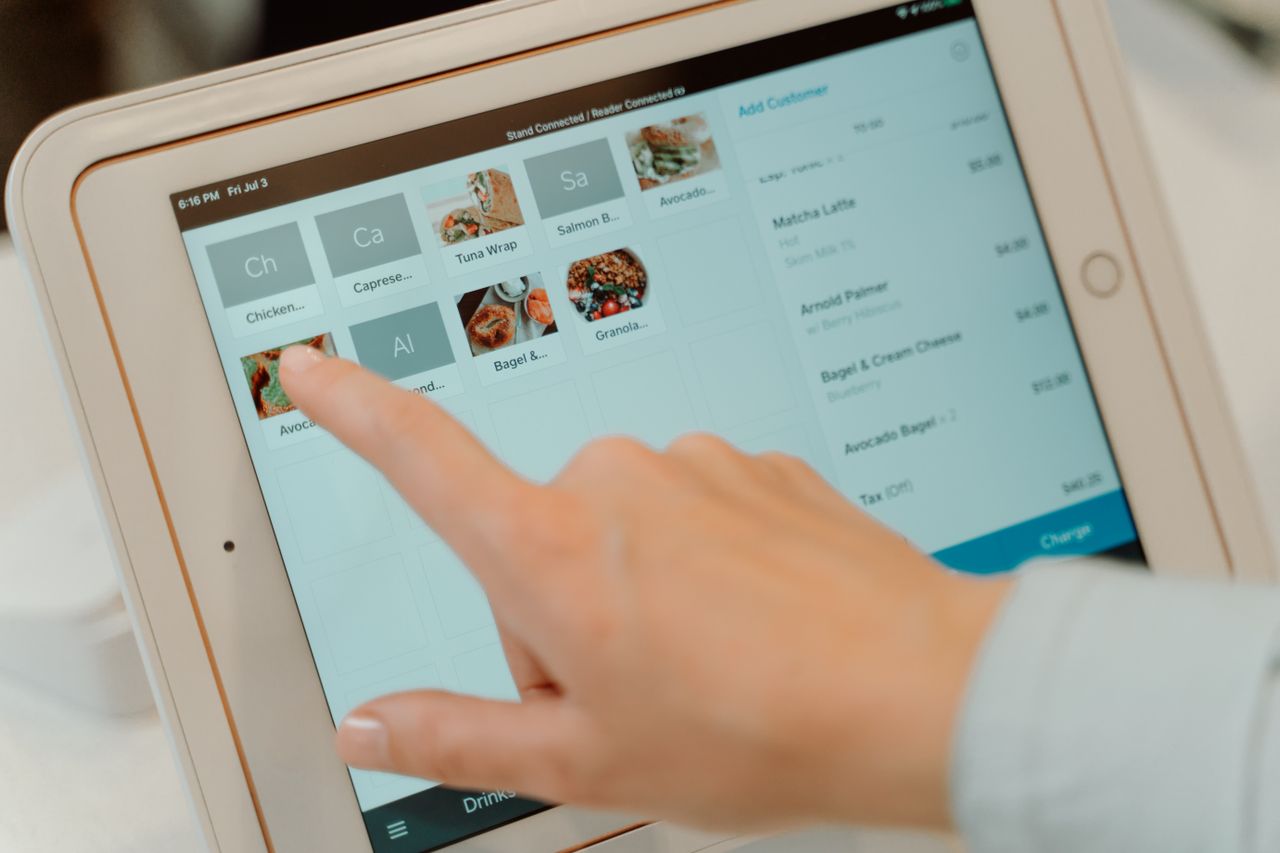
A self-ordering kiosk is a touchscreen terminal that allows customers to browse menus, customize orders, and pay without staff assistance. These systems integrate with your POS and kitchen display systems to route orders directly to the kitchen.
Key Benefits for Restaurant Operators
- Labor cost reduction: Kiosks handle ordering during peak hours, allowing staff to focus on food preparation and customer service.
- Higher ticket sizes: Automated upselling prompts consistently suggest add-ons, which can encourage higher check sizes, although the impact varies by restaurant and implementation.
- Faster throughput: Self-service ordering can reduce counter ordering bottlenecks and increase ordering capacity during busy periods.
- Order accuracy: Direct digital input eliminates miscommunication between customers and cashiers.
- Data collection: Every transaction captures customer preferences for menu optimization and marketing.
Impact on Customer Experience
Consumer demand for kiosk ordering continues to grow. Tillster's 2025 Phygital Index, a survey of U.S. quick-service and fast-casual consumers, found that 61% of kiosk users wanted restaurants to offer more kiosks, up from 57% in 2024 and 36% in 2023. For QSR and fast-casual concepts, kiosks reduce perceived wait times and give customers control over their ordering experience.
Comparing Top Self-Ordering Kiosk Systems for Multi-Unit Restaurants
We evaluated 10 kiosk systems based on pricing transparency, multi-location capabilities, POS integration depth, and hardware options. Here are the top options for restaurant operators in 2026.
1. Toast
Best for: Multi-unit operators wanting an all-in-one restaurant platform
Price: Starter Kit from $0/month under qualifying arrangements; the Point of Sale plan starts at $69/month. Self-ordering kiosk hardware and add-on pricing depend on configuration and require a quote from Toast.
Toast's self-ordering kiosks send orders directly to Toast POS and kitchen displays in real time. Toast says its platform serves over 180,000 locations.
Key Features:
- Direct KDS integration with real-time order routing to kitchen stations
- Automated upselling prompts
- SMS notifications when orders are ready
- Uninterrupted service during internet outages through Toast Router's cellular backup (requires the Cellular for Router subscription)
- Spill-resistant hardware designed for restaurant environments
Limitations:
- Kiosk hardware pricing isn't published; requires a quote
- Contract terms vary by package and agreement, so confirm the applicable term before signing
- Cellular backup requires a separate subscription
Toast is a strong choice for established multi-unit operators who want deep restaurant functionality within a single platform.
2. Square Kiosk
Best for: Small to mid-size restaurants testing self-ordering without major investment
Price: $149 hardware, plus a required Square Plus or Premium subscription and a kiosk app fee of $50/device/month (Plus) or $30/device/month (Premium)
Square offers iPad-based kiosks that can be set up in less than a day. Because Square Kiosk requires Plus or Premium, in-person card processing runs 2.5% + 15¢ on Plus and 2.4% + 15¢ on Premium.
Key Features:
- $149 kiosk hardware
- Runs on iPad battery when unplugged for portability
- Multiple mounting options (wall, counter, floor stand)
- No long-term contract required
Limitations:
- Kiosk app isn't available on Square Free
- Offline payments aren't supported on Square Kiosk hardware running the Square Kiosk app
- Lacks some advanced restaurant features like ingredient-level inventory
Square is well suited to operators who want to pilot kiosks at one or two locations before committing to a larger rollout.
3. Lightspeed Restaurant
Best for: Growing restaurant groups prioritizing analytics and customization
Price: $69-$399/month for published U.S. Restaurant plans; Enterprise is custom quoted. Kiosk hardware and applicable add-ons are priced separately.
Lightspeed offers advanced reporting and analytics tools. Its Self-Order Menu for Lightspeed Restaurant L-Series offers dual modes: Kiosk Mode for QSR and Table Mode for dine-in operations.
Key Features:
- Real-time inventory synchronization across locations
- Highly customizable floor plans and workflows
- Pay-at-table functionality alongside kiosk ordering
- Support for third-party payment processors, depending on Lightspeed product, country, and terminal
- Standard integrated processing rates starting at 2.6% + 10¢, with custom rates possible on higher plans
Limitations:
- Kiosk hardware and add-on pricing must be confirmed separately
- Third-party processor availability varies by product, country, and terminal
- Self-Order Menu documentation applies to Lightspeed Restaurant L-Series
Lightspeed's analytics-focused higher tiers make it better suited for operators who need deep customization and data insights across multiple locations.
4. Rezku
Best for: Independent restaurants and small chains seeking strong ROI
Price: $50/device/month for the kiosk app, with hardware purchased separately; Rezku's core Basic POS package is $99/month for up to three POS stations.
Rezku combines competitive pricing with restaurant-specific features, running its kiosk app on compatible tablets.
Key Features:
- Automated upselling programmed for high-margin add-ons
- 28+ integrations including QuickBooks, DoorDash, and 7shifts
- 24/7 customer support
- Runs on Android 11+ (with Google Play) and iPadOS 13+ tablets
Limitations:
- Kiosk fee is separate from the core POS subscription
- Tablet hardware is purchased separately
Rezku delivers strong value for restaurants that want restaurant-grade features without enterprise-level pricing.
5. Clover Kiosk
Best for: High-volume QSRs wanting impressive customer-facing terminals
Price: Custom quote; Clover's shop lists the Kiosk as contact sales.
Clover Kiosk pairs a 24-inch ordering display with a separate 8-inch payment display and a built-in thermal receipt printer in a single unit. Clover says processing rates can be as low as 2.3% + 10¢, varying by plan and agreement.
Key Features:
- 24-inch ordering display for high visibility
- All-in-one hardware (no separate iPad needed)
- Flexible mounting: countertop, floor stand, wall mount, or VESA compatible
- Floor-stand height configurations intended to accommodate wheelchair users
Limitations:
- Pricing isn't published; requires contacting sales
- Processing rates vary by plan and agreement
Clover suits operators who want purpose-built kiosk hardware rather than adapting consumer tablets.
6. Revel Systems
Best for: Established chains and franchises with 5+ locations
Price: Custom quote; pricing and service terms are set through Revel's order forms.
Revel targets multi-unit operators with its Always-On Mode, which lets the POS continue operating locally during internet outages and resynchronize after connectivity returns.
Key Features:
- Designed for multi-location scalability from day one
- Ingredient-level inventory tracking
- Robust employee management and CRM tools
- Strong franchise support with standardized deployment
- Open API for custom integrations when included in the customer's order form
Limitations:
- Pricing isn't published; requires a quote
- Contract length, installation, and API access depend on the order form
Revel works best for established operators that want enterprise-grade features across multiple locations.
7. KORONA POS
Best for: Restaurant/retail hybrids, breweries with events, food halls
Price: $59-$99/terminal/month (Core, Retail, and Plus), plus optional modules such as KORONA Food at $10/register/month and Ticketing at $50/entry gate/month
KORONA serves multiple verticals including QSRs, retail, and event ticketing. RFID technology in its self-checkout system and a hardware-agnostic approach set it apart.
Key Features:
- Works with existing hardware (hardware-agnostic)
- Self-service ticketing for events and attractions
- Month-to-month and discounted annual payment options, with no forced contracts
- Specialty features for niche markets (breweries, food halls)
Limitations:
- Restaurant and ticketing functionality requires paid add-on modules
- General support runs Monday-Friday, 6 a.m.-6 p.m. PT, with 24/7/365 emergency assistance for critical sales issues
KORONA fits operations that combine restaurant service with retail or event ticketing needs.
8. Otter Kiosk
Best for: Restaurants already using or considering Otter POS
Price: $99/month per device for kiosk software, plus hardware rental of $100-$289/month or purchase of $1,000-$5,500, depending on model
Otter Kiosk integrates natively with Otter's POS and kitchen display system. Orders, menu changes, and 86'd items sync across every device without separate integration.
Key Features:
- Kiosk Mini (15.6"): $100/month rental or $1,000 purchase
- Kiosk (21.5"): $189/month rental or $3,000 purchase
- Kiosk Pro (27"): $289/month rental or $5,500 purchase
- Native integration with Otter POS and KDS
- Real-time menu syncing across all channels
Limitations:
- Software fee is billed per device on top of hardware costs
- Designed around the Otter ecosystem rather than multi-vendor integration
Otter Kiosk is best for restaurants that want a unified Otter ecosystem rather than multi-vendor integration.
9. GRUBBRR
Best for: Operators who want kiosks without replacing their current POS
Price: Custom quote
GRUBBRR positions itself as an integration layer that connects with your existing POS rather than replacing it, with integrations for 93+ POS systems, including Toast, Clover, Square, and NCR. Its Store and Forward mode, available on some devices, queues orders during connectivity interruptions.
Key Features:
- Integrates with a broad range of third-party POS platforms
- Partial offline capability with order queuing on supported devices
- Focuses specifically on the kiosk layer
Limitations:
- Pricing isn't published; requires a quote
- Operators with unsupported POS systems need to discuss custom integration
GRUBBRR suits operators satisfied with their current POS who want to add self-ordering without a full migration.
10. Lavu
Best for: QSRs, cafes, and fast-casual concepts wanting iPad simplicity
Price: Lavu POS starts at $59/month; the self-ordering kiosk is a $50/month add-on. Hardware is additional.
Lavu emphasizes easy installation with iPad and stand setups that require no complex installation. The kiosk is offered as a monthly add-on to Lavu POS.
Key Features:
- Simple iPad + stand setup
- Mobile kiosks can be placed on any counter or moved around
- Full POS integration with kitchen display and inventory
Limitations:
- Kiosk fee is billed on top of the POS subscription
- Confirm billing and contract terms, as month-to-month availability isn't documented for every package
Lavu targets the mid-market between budget options and enterprise systems, emphasizing quick setup and straightforward monthly pricing.
Understanding Self-Ordering Kiosk Pricing and ROI for Restaurants
Kiosk costs vary significantly across providers. Here is what to budget:
Hardware Costs:
- Budget tier: $149 (Square, plus a compatible iPad)
- Mid-range: $1,000-$3,000 purchase (Otter Kiosk Mini and Kiosk)
- Premium: $5,500 purchase (Otter Kiosk Pro)
- Quote-based: Toast, Clover, Revel, and GRUBBRR
Software Costs:
- Kiosk app fees: $30-$99/device/month (Square, Rezku, Lavu, Otter), often on top of a core POS subscription
- Core POS subscriptions: $59-$99/month (Lavu, KORONA, Rezku)
- Full POS platforms: $69-$399/month for published Lightspeed plans; custom quotes for Revel and Toast kiosk configurations
ROI Considerations: Restaurant Business reported that early McDonald's kiosk tests produced an average check roughly $1 higher, about a 30% increase at that time. Results from individual tests don't translate directly into total revenue gains. Model ROI using the share of transactions you expect to move to kiosks, expected changes in check size, and total hardware, software, and processing costs.
How Self-Ordering Kiosks Integrate with Restaurant POS Systems
Seamless POS integration is critical for operational efficiency. Key integration points include:
- Order management: Orders flow directly from kiosk to POS to kitchen display
- Inventory sync: Real-time stock updates prevent selling 86'd items
- Payment processing: Unified reporting across all order channels
- Loyalty programs: Customers can earn and redeem points at kiosks
- Kitchen display systems: Direct routing to appropriate prep stations
Toast and Otter offer native integration where kiosk, POS, and KDS are built by the same vendor. Systems like GRUBBRR require API connections to third-party POS platforms.
Key Features of Effective Restaurant Self-Ordering Kiosk Machines
When evaluating kiosk systems, prioritize these capabilities:
- Offline mode: Ensures continued operation during internet outages (Toast offers cellular backup with its Router subscription, Revel offers Always-On Mode, and GRUBBRR offers Store and Forward on some devices; Square Kiosk does not support offline payments)
- Customizable menus: Easy updates for pricing, items, and modifiers
- Upselling automation: Programmed suggestions for high-margin add-ons
- Multi-language support: Serves diverse customer bases
- Accessibility options: Features such as screen-reader support, tactile controls, and accessible mounting heights (Toast advertises screen-reader support and compatible tactile controls; Clover offers floor-stand configurations intended to accommodate wheelchair users)
- Remote management: Update menus and pricing across locations from one dashboard
Compliance and Security with Restaurant Kiosk Systems
Self-ordering kiosks handle payment data and must meet security standards:
- PCI DSS compliance: Verify each vendor's current PCI DSS status and the merchant responsibilities associated with its payment configuration
- Data privacy: Customer information collection requires clear disclosures
- Accessibility (ADA): ADA compliance depends on the specific deployment, so confirm that screen height, font size, and interface design accommodate all users
- Fraud prevention: Encrypted transactions and secure payment terminals protect against data theft
Evaluating Vendor Support and Long-Term Partnership
Consider support quality alongside features:
- Support availability: Rezku offers 24/7 support; KORONA offers weekday support plus 24/7/365 emergency assistance for critical sales issues
- Installation services: Confirm installation fees with each vendor; Square and Rezku support DIY setup
- Training resources: Look for online tutorials, documentation, and onboarding assistance
- Hardware warranty: Verify coverage periods and replacement policies
- Software updates: Cloud-based systems push updates automatically
Case Studies: Successful Self-Ordering Kiosk Implementations
McDonald's: Restaurant Business reported that the chain's early kiosk tests produced an average check roughly $1 higher, about a 30% increase at that time, through consistent upselling and order customization options.
Common Outcomes: Operators deploying self-ordering kiosks commonly cite:
- Higher average tickets through automated upselling, with results varying by implementation
- Fewer counter ordering bottlenecks during busy periods
- Improved order accuracy from direct digital input
- Labor reallocation to higher-value tasks
The Bottom Line
The right kiosk system usually comes down to whether you want to stay within one POS ecosystem or add self-ordering to the system you already run. Toast, Square, Lightspeed, Clover, Otter, and Lavu work best for operators already on, or moving to, those platforms. GRUBBRR is built to layer onto existing third-party POS systems, Revel targets multi-location chains and franchises, Rezku suits independents and small chains, and KORONA fits restaurant-retail and ticketing hybrids.
Before signing, price the full setup, including hardware, kiosk software, the core POS subscription, payment processing, and installation. Confirm offline capabilities, contract terms, and accessibility features with each vendor, and consider piloting kiosks at one or two locations before a wider rollout. For more guides on restaurant technology, visit Operators Daily.
Frequently Asked Questions
How much does a self-ordering kiosk system cost for a restaurant?
Published hardware prices range from $149 (Square, plus a compatible iPad) to $5,500 (Otter Kiosk Pro), while Toast, Clover, Revel, and GRUBBRR quote pricing on request. Kiosk software fees typically range from $30 to $99 per device per month, often on top of a core POS subscription. Request a total configured quote covering hardware, software, payment processing, and installation.
Can self-ordering kiosks integrate with my existing POS system?
Some kiosks work primarily within their vendor's POS ecosystem, while GRUBBRR is specifically designed to integrate with a wide range of third-party POS platforms. Toast, Square, Lightspeed, and others work best within their own ecosystems.
What are the main benefits of installing self-ordering kiosks in a multi-unit restaurant chain?
Key benefits include labor cost reduction, higher average order values through automated upselling, faster service times, improved order accuracy, and centralized menu management across locations.
How do self-ordering kiosks improve customer service and order accuracy?
Customers input orders directly, eliminating miscommunication. Digital menus display all options and modifiers clearly. The result is fewer incorrect orders and higher customer satisfaction.
What kind of maintenance and support is typically required for kiosk systems?
Expect regular software updates (automatic for cloud systems), periodic hardware cleaning, and occasional technical support calls. Review each vendor's hardware warranty and replacement policies to plan for eventual hardware replacement.
Join multi-unit operators getting practical guides and no-nonsense software breakdowns across hiring, onboarding, scheduling, payroll, compliance, and what's shifting in the industry.
Free. One email a week. Unsubscribe anytime.