Best Kitchen Display Systems for Ghost Kitchens


Operators Daily is where multi-unit restaurant and hourly-workforce operators get smart, fast — practical guides and no-nonsense software comparisons across hiring, onboarding, scheduling, payroll, and compliance.
Popular articles
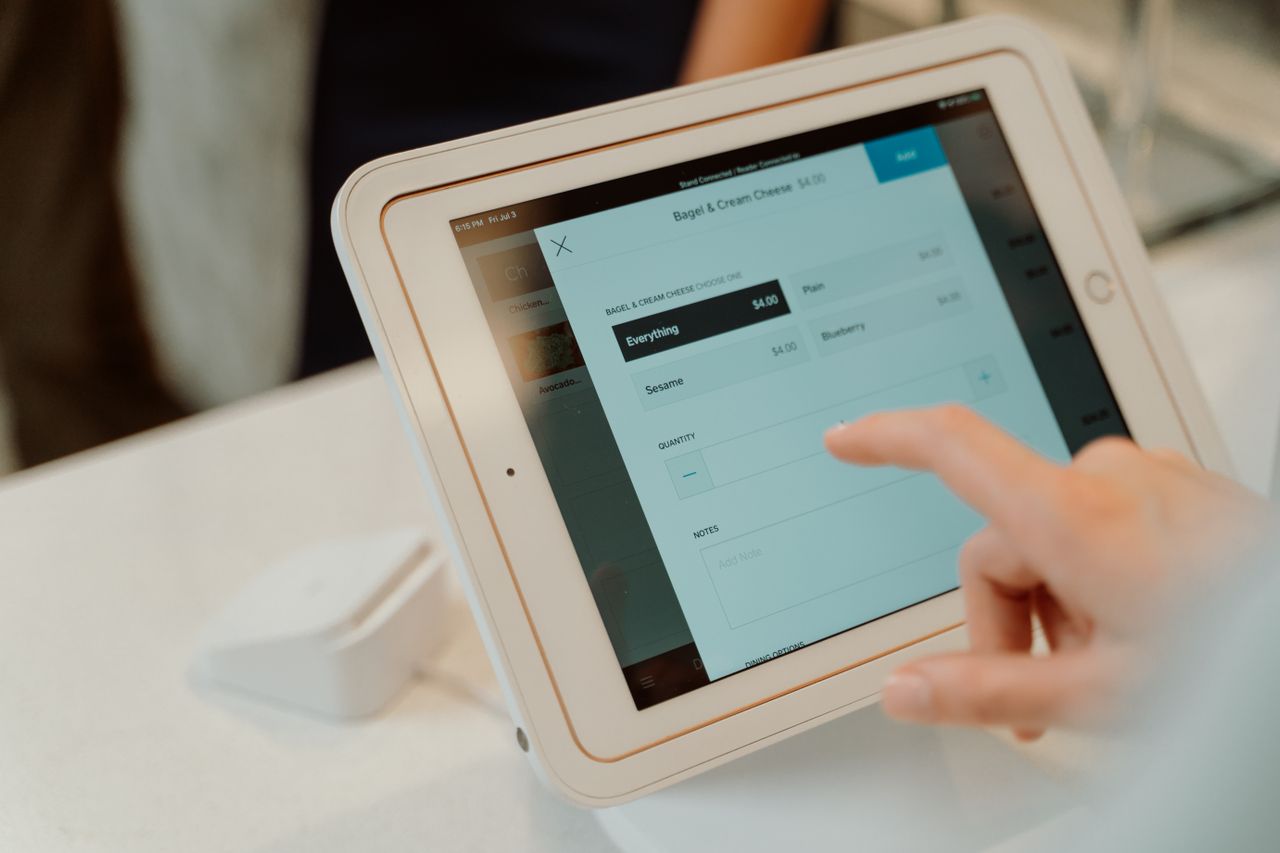
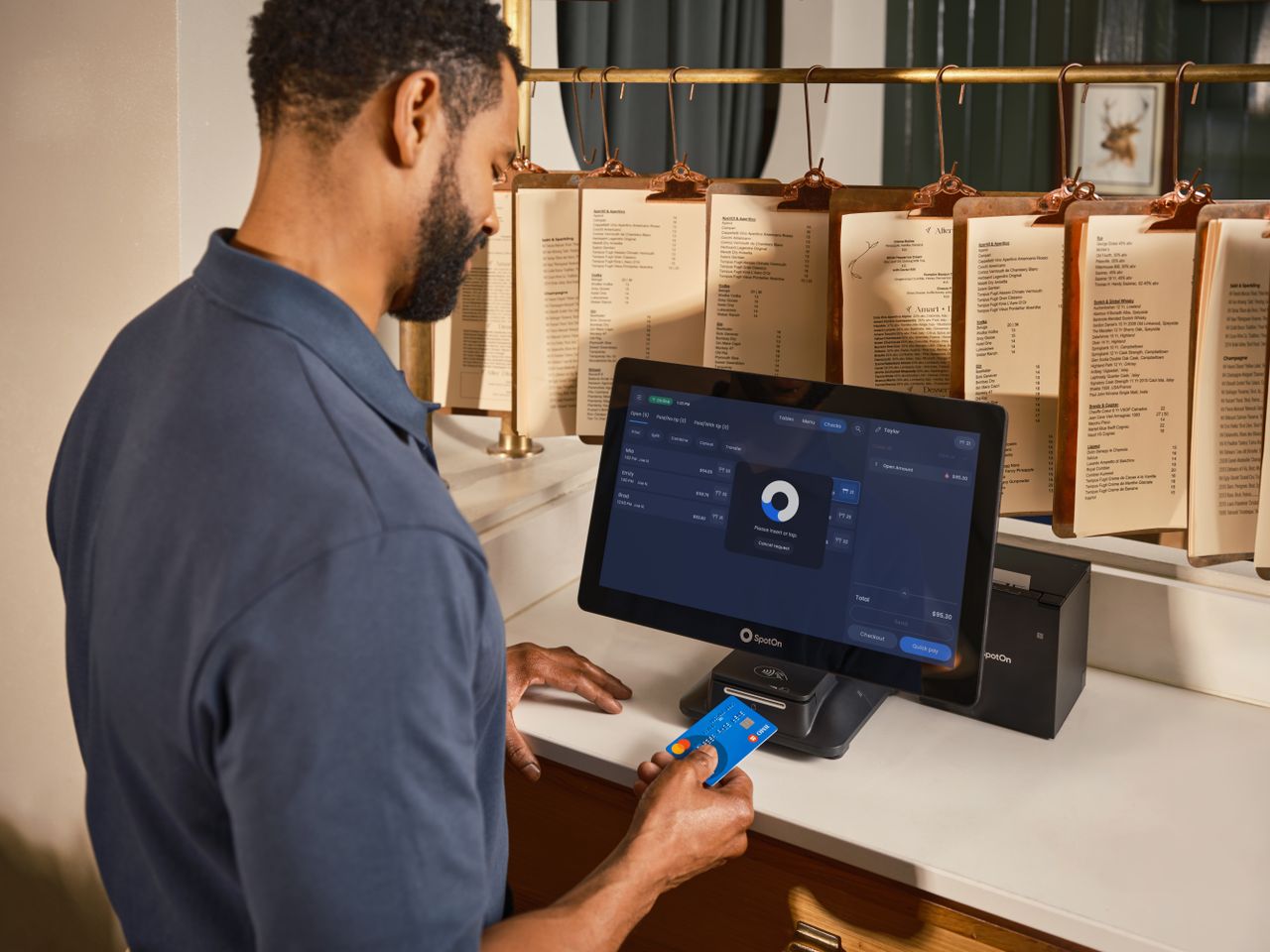
Ghost kitchens process dozens to hundreds of orders daily from multiple delivery platforms, virtual brands, and direct channels simultaneously. Without a proper kitchen display system, tickets pile up, orders get confused, and efficiency plummets. The right KDS brings every order into a single, organized view, so your team can move faster, avoid errors, and maintain steady service during peak hours. For operators looking to optimize their restaurant technology stack, choosing the right KDS is one of the most impactful decisions you can make.
This guide compares eight kitchen display systems based on ghost kitchen suitability, multi-brand support, delivery workflow fit, multi-unit management features, and published pricing.
Key Takeaways
- Ghost kitchens need KDS solutions with multi-brand routing and high-volume order management, plus a clear path for marketplace and direct orders to reach the kitchen through the POS, native connectors, or an order aggregation platform.
- Fresh KDS offers 30+ integrations with POS and online ordering systems, flexible hardware compatibility, and published pricing starting at $16 per screen per month with annual billing.
- Kitchen display systems can help reduce order-entry and preparation errors by presenting tickets, modifiers, and preparation instructions digitally.
- Square KDS costs 20–30/month per device but requires a paid Square Plus or Premium subscription, while enterprise solutions from Oracle and Crunchtime serve large-scale operations.
- Payback periods vary by restaurant. Operators should compare upfront and ongoing costs against measurable improvements in labor efficiency, order accuracy, and kitchen throughput.
Understanding Kitchen Display Systems for Modern Restaurants
What Is a KDS and How Does It Work?
A kitchen display system replaces paper tickets with digital screens that show orders in real time. When a customer places an order through your POS, online ordering platform, or third-party delivery app, the order data reaches the KDS, either directly or through the POS or an integration service, and is displayed on screens positioned throughout your kitchen.
This shift toward paperless kitchens reflects the demand for better accuracy, faster service, and detailed performance tracking.
Key Features of a Modern Kitchen Display System
Modern KDS platforms share several core capabilities:
- Order routing: Automatically sends items to the correct prep station based on menu category
- Cook time tracking: Monitors how long each order takes from receipt to completion
- Bump screen functionality: Allows cooks to mark items complete with a tap or button press
- Color-coded alerts: Highlights orders approaching or exceeding target times
- Expeditor mode: Provides expo staff with a unified view of all orders across stations
Why Ghost Kitchens Need Specialized KDS Solutions
Unique Operational Challenges of Ghost Kitchens
Ghost kitchens face complexities that traditional restaurants rarely encounter. A single kitchen might operate several virtual brands, each with its own menu, packaging requirements, and delivery partner integrations. Orders flow in from DoorDash, Uber Eats, Grubhub, direct ordering websites, and phone orders, often simultaneously during peak periods.
Market research estimates place global ghost-kitchen food sales in the tens of billions of dollars annually, although figures differ by definition and research provider. Operators in this space need KDS platforms that can handle multi-brand routing without confusion. A taco brand order needs to route to the appropriate station with the correct branding displayed, while a wings order for a different virtual brand routes elsewhere, all within the same physical kitchen.
How KDS Addresses Multi-Brand Complexity
Effective ghost kitchen KDS platforms solve these challenges through:
- Brand-specific order identification: Visual indicators showing which virtual brand each order belongs to
- Consolidated order display: Showing marketplace and direct orders on one screen once they reach the KDS through the POS, native connectors, or an aggregation platform
- Priority-based routing: Organizing orders by pickup time, courier arrival, or custom rules
- Multi-location management: Centralized reporting and configuration across multiple ghost kitchen sites, which some vendors offer only on enterprise plans
Integrating Your KDS with Restaurant POS Systems
The Importance of KDS-POS Synergy
Your KDS is only as effective as its connection to your point-of-sale system. Native integrations between KDS and POS eliminate manual data entry, reduce sync delays, and ensure order accuracy from front to back of house. When evaluating systems, consider whether you need a KDS tied to a specific POS ecosystem or a platform-agnostic solution that works with multiple systems.
Multi-unit operators often use different POS systems across locations or plan to switch providers. Fresh KDS, for example, works with over 30 POS and online ordering systems, while Toast KDS requires the Toast ecosystem.
Choosing a POS System with Robust KDS Integration
For ghost kitchen operators, seamless order flow between online ordering channels, POS, and KDS is essential. Treat the following as evaluation criteria, and ask vendors to demonstrate them:
- Typical order transmission latency from each ordering channel
- Menu synchronization across connected ordering channels
- Automatic modifier and special instruction handling
- Inventory updates that reflect across connected systems
The 8 Best Kitchen Display Systems for Ghost Kitchens
We compared the platforms below based on published features, pricing, POS and ordering integrations, and fit for multi-brand delivery kitchens. Here are the options ghost kitchen operators should consider.
1. Fresh KDS: Best for Kitchens Using Multiple POS Systems
Best for: Multi-unit ghost kitchens using different POS systems
Fresh KDS works with a wide range of POS setups, integrating with Square, Clover, TouchBistro, Lightspeed, and dozens of other systems, as well as intermediaries such as Olo, Cuboh, and Otter. Fresh says it is trusted by more than 10,000 restaurants, including Taziki's Mediterranean Café, Blaze Pizza, and JJ Fish & Chicken.
Key Features:
- 30+ POS and online ordering integrations
- Fresh KDS Enterprise for centralized multi-location control and benchmarking (separate Enterprise plan)
- On The Fly mobile app for real-time kitchen performance monitoring (included free)
- Runs on existing iPads, Android tablets, or commercial kitchen-grade screens
Price: Essentials plan at 20/screen/month(16 with annual billing); Premium at 27/screen/month(22 with annual billing). Enterprise requires a quote.
Strengths:
- Published per-screen pricing
- Works across many POS and online ordering systems
- Flexible hardware compatibility
Limitations:
- Centralized multi-location configuration requires the Enterprise plan
- Some integrations run through intermediaries rather than direct connections
- Per-screen pricing adds up in kitchens with many displays
2. Toast KDS: Best for Toast-Based High-Volume Kitchens
Best for: Ghost kitchens fully committed to the Toast ecosystem
Toast KDS offers purpose-built hardware designed for demanding kitchen environments. The displays are tested to operate at 120°F and resist grease, spills, and steam, making them suited to high-volume kitchens where equipment takes a beating.
Key Features:
- Durable, kitchen-grade hardware with spill and grease resistance
- Multi-station workflows including assembly lines, runner fulfillment, and expo coordination
- Configurable stations for coordinated plating
- Integration with Toast POS, online ordering, and delivery
Price: Custom quote required. Toast KDS hardware, configuration, and software costs vary by deployment, kitchen layout, and order volume.
Strengths:
- Kitchen-grade hardware tested up to 120°F
- Station routing and assembly-line workflows
- Tight integration with Toast POS
Limitations:
- Only works with Toast POS
- Pricing isn't published; requires a quote
- Switching POS later means replacing the KDS
3. Square KDS: Best for Square-Based Kitchens
Best for: New ghost kitchens already using Square
Square KDS offers a lower barrier to entry than specialized enterprise systems for operators already on Square. It runs on Square-specified compatible Android devices rather than requiring purpose-built kitchen hardware.
Key Features:
- Runs on compatible Android devices specified by Square
- Cloud-based with Square POS and supported delivery integrations
- Expeditor mode for multi-station coordination
- No long-term contracts required
Price: $30/month per device with Square Plus or $20/month per device with Square Premium. A qualifying paid Square POS subscription is required, in addition to hardware. Square KDS is not available under Square Free.
Strengths:
- Published per-device pricing
- Uses compatible tablets instead of specialized hardware
- Quick deployment for existing Square merchants
Limitations:
- Requires a paid Square Plus or Premium subscription
- Only supports Square-specified compatible devices
- Tied to the Square ecosystem
For operators weighing a POS change alongside their KDS, our guide to the best restaurant POS systems compares the main options.
4. TechRyde AI KDS: Best for AI-Powered Automation
Best for: High-volume delivery operations seeking automated order prioritization
TechRyde brings artificial intelligence to kitchen operations. Its KDSync system analyzes order patterns, prep times, and kitchen capacity to prioritize and route orders, and the Standard plan bundles it with marketplace aggregation, POS connectivity, online ordering, and other restaurant automation products.
Key Features:
- AI-powered order prioritization and routing
- Intelligent workload balancing across stations
- Advertised compatibility with existing hardware (confirm supported devices and operating systems)
- Restaurant automation ecosystem including marketplace aggregation and delivery dispatch
Price: $150/month per location for the Standard plan, which includes KDSync alongside other automation tools. The company advertises unlimited kitchen screens under its location-based model.
Strengths:
- Location-based pricing with unlimited KDS screens advertised
- KDS bundled with marketplace aggregation and online ordering
- AI-driven prioritization and workload balancing
Limitations:
- Bundled pricing may include tools operators already have
- Supported devices and operating systems should be confirmed
- Per-location pricing scales with each additional kitchen
5. Lightspeed Restaurant KDS: Best for Complex Order Coordination
Best for: Ghost kitchens with sophisticated course timing requirements
Lightspeed KDS coordinates orders across multiple stations with precise timing. It displays orders received through supported Lightspeed Restaurant ordering workflows, and Lightspeed documents a dedicated POS hub used to direct orders to KDS stations. Operators should verify which third-party marketplace connections require additional integrations.
Key Features:
- Course-fire timing across stations
- Orders from supported Lightspeed Restaurant ordering workflows
- Encrypted data and role-based access
- Multi-location reporting
Price: $30/screen/month as an add-on to a qualifying Lightspeed Restaurant subscription.
Strengths:
- Published per-screen pricing
- Precise coordination for complex menu items
- Multi-location reporting
Limitations:
- Requires a Lightspeed Restaurant subscription
- Marketplace connections may require separate integrations or providers
- Per-screen fees add up in larger kitchens
6. Crunchtime Kitchen: Best for Enterprise Operations
Best for: Large, multi-location ghost kitchen groups
Crunchtime Kitchen (formerly QSR Automations ConnectSmart Kitchen) is a kitchen orchestration platform that connects with 80+ POS systems and offers dynamic load balancing that distributes work based on station capacity. Task management and other operational tools are part of the wider Crunchtime suite rather than native Crunchtime Kitchen features.
Key Features:
- Dynamic load balancing across stations
- 80+ POS system integrations
- Real-time routing and ticket sequencing
- Kitchen performance metrics
Price: Custom enterprise pricing.
Strengths:
- Broad POS integration coverage
- Load balancing and ticket sequencing for high-volume kitchens
- Connects with other products in the Crunchtime suite
Limitations:
- Pricing isn't published; requires a quote
- Task management and cleaning or temperature tools require other Crunchtime products
- Enterprise scope may exceed the needs of smaller operators
Enterprise ghost kitchen operators can connect Crunchtime Kitchen with other Crunchtime products to link kitchen tasks with broader operational workflows.
7. Clover KDS: Best for Turnkey Hardware
Best for: Ghost kitchens using Clover POS wanting turnkey setup
Clover KDS appeals to operators who want purpose-built hardware without shopping for tablets. The system offers 14" and 24" displays with anti-glare screens, audible alerts, and optional bump bars.
Key Features:
- Purpose-built 14" and 24" displays with bump-bar options
- Native Clover POS integration
- Item-level routing to preparation stations
- Simple deployment through Clover marketplace
Price: $799 for 14-inch display and $899 for 24-inch, plus $25/device/month software. An eligible Register, Table Service Restaurant, or Counter Service Restaurant plan is required, so total cost includes the underlying POS arrangement.
Strengths:
- Purpose-built kitchen hardware
- Published hardware and software pricing
- Native Clover POS integration
Limitations:
- Requires an eligible Clover software plan
- Upfront hardware cost per display
- Tied to the Clover ecosystem
8. Oracle Simphony KDS: Best for Large-Scale Operations
Best for: Major ghost kitchen chains and hospitality groups
Oracle Simphony KDS serves large foodservice operations, including hotel chains, casinos, airports, and major restaurant groups. It supports configurable kitchen workflows and multi-station operations within the Simphony ecosystem through a controller-based architecture. Hardware, licensing, and implementation requirements depend on the chosen deployment.
Key Features:
- Controller-based KDS architecture with digital kitchen displays
- Load balancing and configurable preparation stations
- Order status tracking and performance reporting
- Centralized multi-location management
Price: Custom enterprise pricing.
Strengths:
- Configurable workflows for complex, multi-station kitchens
- Built for large hospitality and foodservice operations
- Order tracking and performance reporting
Limitations:
- Requires significant implementation investment
- Capabilities differ by Simphony configuration (for example, Simphony Essentials documents one expo station and up to five prep stations per property)
- Pricing isn't published; requires a quote
Evaluating the Best KDS Features for Ghost Kitchen Efficiency
Must-Have KDS Features for High-Volume Kitchens
When selecting a KDS for your ghost kitchen, prioritize these capabilities:
- Multi-brand order identification: Clear visual distinction between virtual brand orders
- Consolidated order view: Single-screen view of orders from all sources, however they reach the KDS
- Customizable routing rules: Ability to route by brand, item type, or prep station
- Timer alerts: Color-coded warnings for orders approaching service deadlines
- Outage behavior: A clear explanation of which functions remain available during a network outage
Scalability and Flexibility in KDS Selection
Ghost kitchens often expand quickly, adding brands, locations, or ordering channels. Choose a KDS that can scale without requiring system replacement. Quick-service and fast-casual operations, which share the high-volume demands of ghost kitchens, need systems that grow with demand.
Cost-Effective KDS and POS Solutions for Multi-Unit Operators
Understanding the True Cost of Ownership
KDS costs extend beyond monthly software fees. Consider:
- Hardware costs: Compatible tablets vs. purpose-built displays (Clover's, for example, cost 799–899 each)
- Required POS subscriptions: Some KDS products only work with a paid POS plan
- Installation and training: Staff time and potential consultant fees
- Integration costs: Middleware or custom development for non-native POS connections
- Ongoing support: Premium support tiers and maintenance agreements
Payback periods vary by restaurant. Operators should compare upfront and ongoing costs against measurable improvements in labor efficiency, order accuracy, and kitchen throughput.
Streamlining Order Intake: KDS with Online Ordering Systems
Managing Orders from Multiple Online Platforms
Ghost kitchens often receive orders from several channels, such as direct website ordering, DoorDash, Uber Eats, Grubhub, phone orders, and sometimes in-person pickup. Your setup must consolidate these streams without creating duplicate tickets or missing orders.
Confirm how marketplace and direct orders reach the KDS, whether through the POS, native connectors, or an order aggregation platform. Menu synchronization across channels reduces errors from outdated pricing or unavailable items. For operators routing marketplace orders through a middle layer, our comparison of third-party delivery aggregators covers the main options.
Leveraging KDS Data for Operational Improvements and Growth
Using KDS Insights to Enhance Kitchen Flow
Depending on product capabilities and connected data, KDS platforms can generate operational data such as:
- Ticket times by station: Identify slow prep areas
- Order volume patterns: Staff appropriately for peak periods
- Item popularity trends: Inform menu engineering decisions
- Error tracking: Spot recurring mistakes for training focus
Fresh KDS includes On The Fly analytics free with every plan. Toast and Lightspeed offer reporting through their broader restaurant management platforms.
Forecasting and Planning with KDS Reporting
Historical KDS data helps ghost kitchen operators forecast demand, plan prep schedules, and optimize staffing.
Choosing the Right KDS: A Buyer's Guide for Ghost Kitchen Operators
Key Considerations Before Purchasing a KDS
Before committing to a KDS platform, evaluate:
- POS compatibility: Does it integrate natively with your current system?
- Order channel support: How do marketplace and direct orders reach the KDS?
- Hardware requirements: Do you have compatible devices, or must you purchase new equipment?
- Multi-location needs: Does it support centralized management if you plan to expand?
- Contract terms: Are you locked in, or can you cancel monthly?
Questions to Ask Potential KDS Providers
- How does your system handle orders from multiple virtual brands in one kitchen?
- Which delivery platforms reach your KDS natively, and which require the POS or an aggregator?
- Can I see a demo using my specific POS system?
- What is typical order transmission latency, and which functions remain available during an internet outage?
- How long does typical implementation take, and what support do you provide?
The Bottom Line
The right KDS usually follows from the POS a ghost kitchen already runs. Operators on Toast, Square, Clover, or Lightspeed can start with the display system built for that ecosystem, while kitchens running different POS systems across sites will look at platform-agnostic options like Fresh KDS or Crunchtime Kitchen. TechRyde bundles its KDS with aggregation and automation tools, and Oracle Simphony fits large hospitality groups already invested in its ecosystem.
Before committing, map how each order channel reaches the kitchen, total the hardware, KDS, and required POS subscription costs, and run a demo with your actual menus and brands during a busy-period simulation. A KDS works best when the team using it is well trained, and our roundup of employee training platforms covers tools to get new hourly staff up to speed.
Frequently Asked Questions
What is the primary benefit of a KDS for a ghost kitchen?
A KDS centralizes orders from multiple delivery platforms, virtual brands, and direct channels into one organized display. This eliminates paper ticket confusion and helps kitchen staff prioritize work based on pickup times. Kitchen display systems can help reduce order-entry and preparation errors by presenting tickets, modifiers, and preparation instructions digitally.
Can a KDS integrate with multiple online ordering platforms simultaneously?
Yes, but how orders arrive differs by system. A KDS displays and manages kitchen tickets, while marketplace connections can be handled by a POS, an order aggregation system, or an integration service before orders reach the KDS. Fresh KDS, for example, documents integrations with POS systems and intermediaries such as Olo, Cuboh, and Otter. Confirm how each of your delivery partners and direct channels reaches your chosen KDS.
What kind of ROI can a ghost kitchen expect from investing in a KDS?
Payback periods vary by restaurant. They depend on existing ticket errors, labor requirements, equipment costs, integration fees, and savings attributable to the KDS. Operators should compare upfront and ongoing costs, including any required POS subscription, against measurable improvements in labor efficiency, order accuracy, and kitchen throughput.
Are there specific KDS features designed for managing multiple brands within one ghost kitchen?
Yes, several KDS platforms offer multi-brand routing features. These can include brand-specific color coding, separate order queues by virtual brand, brand-aware routing rules that send orders to appropriate stations, and branding displays that help staff identify packaging requirements. Capabilities vary by platform, so test multi-brand workflows during a demo.
How does a KDS help with staff scheduling and labor forecasting in a busy ghost kitchen environment?
KDS platforms generate historical data on order volumes, ticket times, and peak periods. Managers can analyze this data to forecast busy times and schedule staff accordingly. Some platforms integrate with workforce management tools to share volume data directly with scheduling software, enabling data-driven labor decisions.
Join multi-unit operators getting practical guides and no-nonsense software breakdowns across hiring, onboarding, scheduling, payroll, compliance, and what's shifting in the industry.
Free. One email a week. Unsubscribe anytime.